add-in

id:door CW for Autodesk® Revit®

create, add and modify curtain wall doors among more than 10 preset types

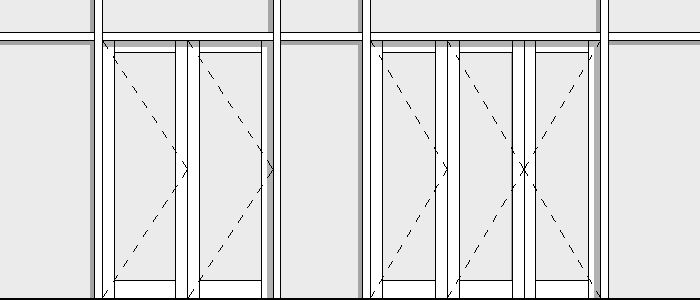
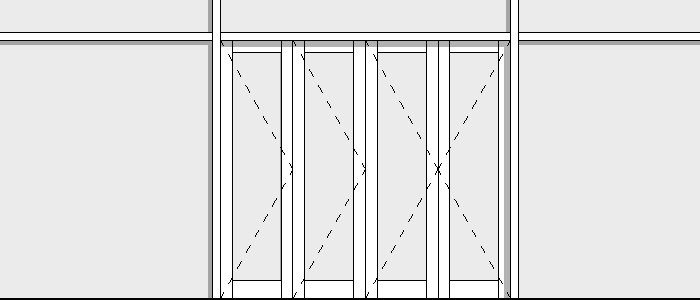
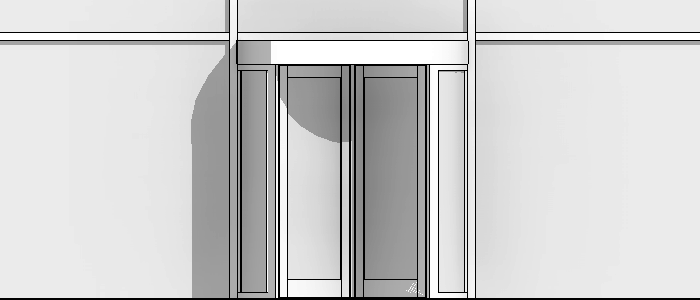
10+ Door CW Types

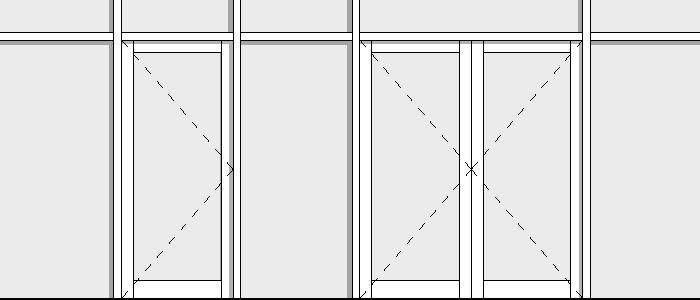
  • Single Hinged
  • Double Hinged
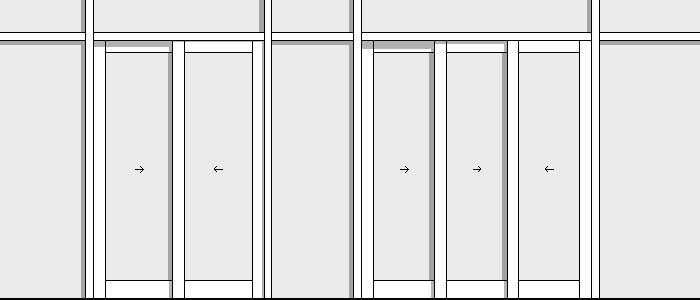
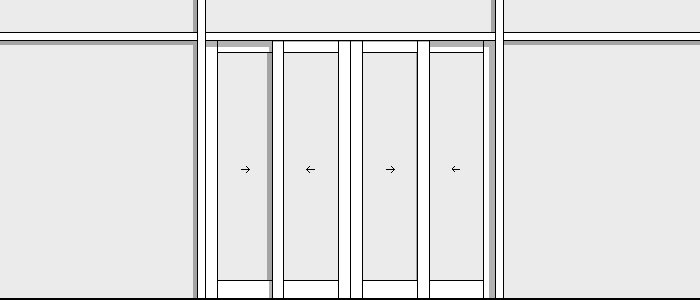
  • Sliding (2/3/4 – Sash)
  • Sliding Folding (2/3/4/5/6 – Sash)
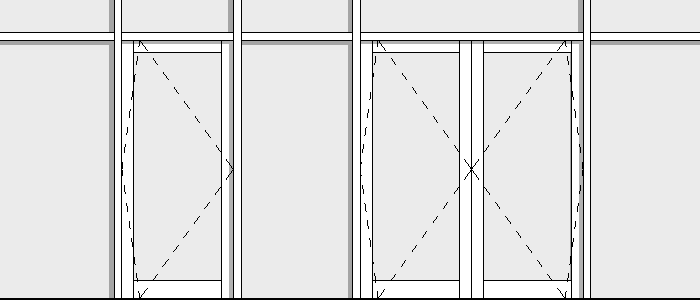
  • Single Pivot
  • Double Pivot
  • Revolving (3/4 – Sash)

The Units that you Work

id:door CW adjusts to the project units. Working in decimal inches, decimal feet, feet and fractional inches, fractional inches, meters, decimeters, centimeters and millimeters.

Leaf

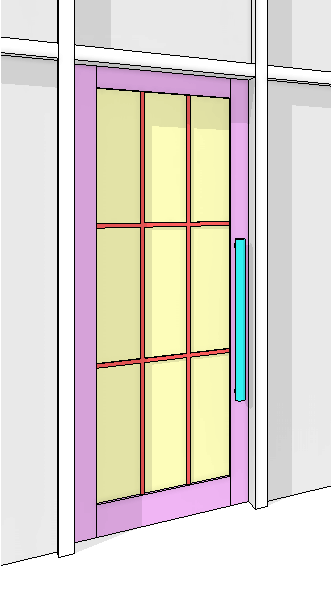
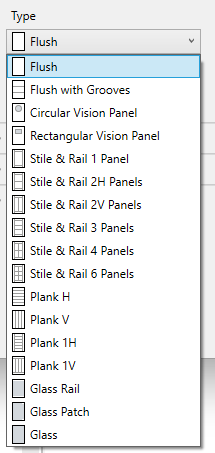
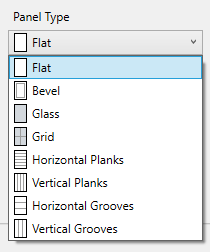
Set the door leaves between 17 leaf types (flush, stile & rail, plank, etc) and 8 panel types (bevel, glass, grid, etc)

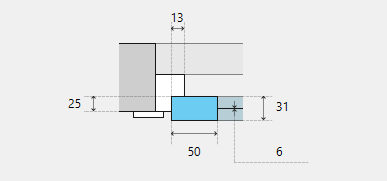
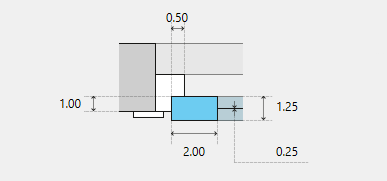
Sets stile width, bottom rail width, leaf thickness, glass thickness,  and leaf material.
Add grid to your glass panel. Sets the width, thickness, number of rows and columns, and their material.

Hardware

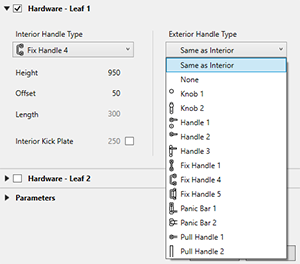
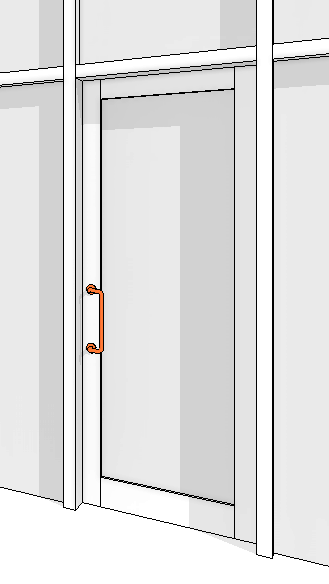
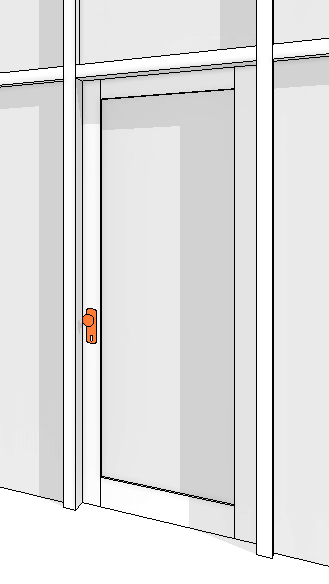
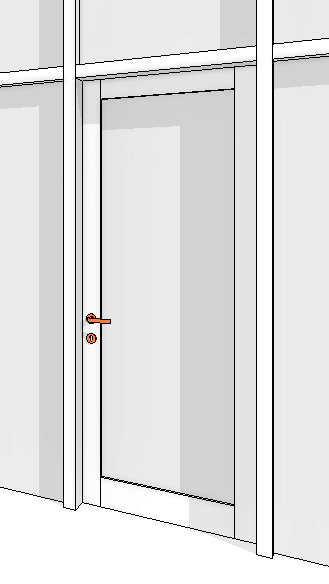
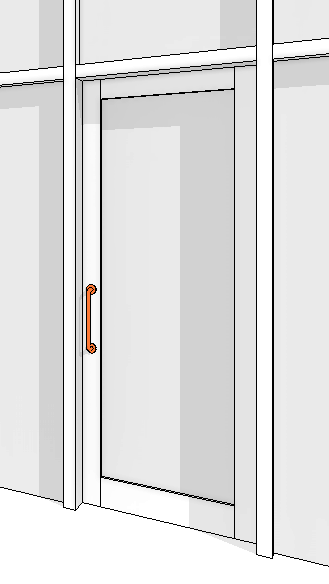
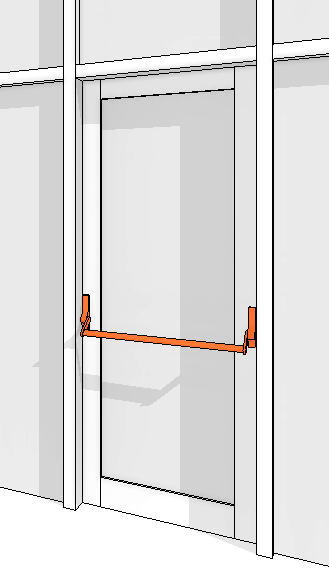
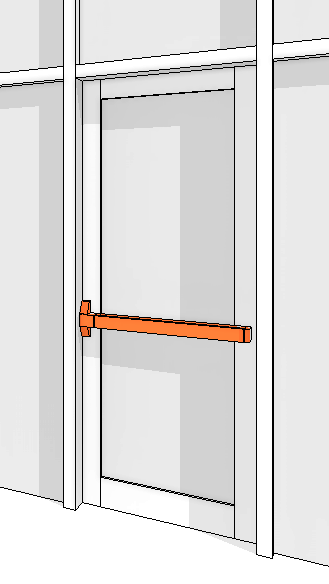
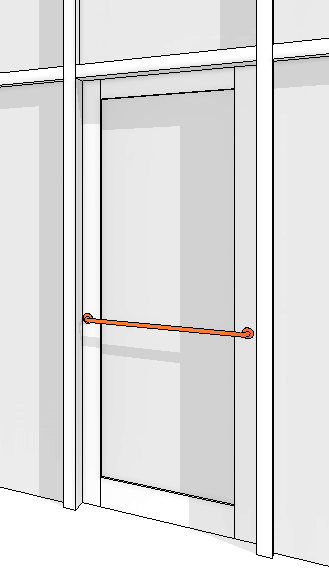
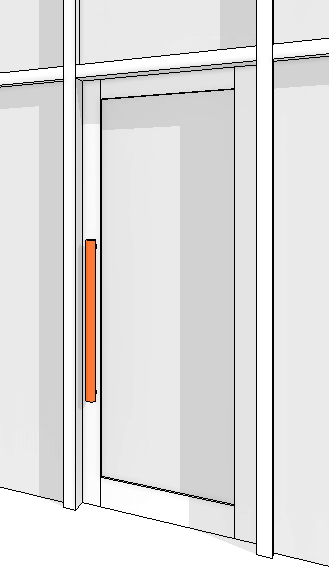
Add interior and exterior hardware to your doors. Sets height, offset, kickplate and material.

Even More Features

Define the type parameters: model, keynote, build type, manufacturer, cost, type comments, descriptions, assembly code, etc. from the graphical interface of id:door CW when you create or modify your curtain wall door.

The different parts of the doors (Leaf, Glass, Trim, Hardware, etc.) can be assigned materials independently or through the object style.

The name of the curtain wall doors can be defined automatically or custom.

Curtain wall doors created with id:door CW can be modified and edited with the same graphical interface, all their attributes can be changed including the type of door.

All curtain wall door families have shared parameters that allow them to be included in schedules.

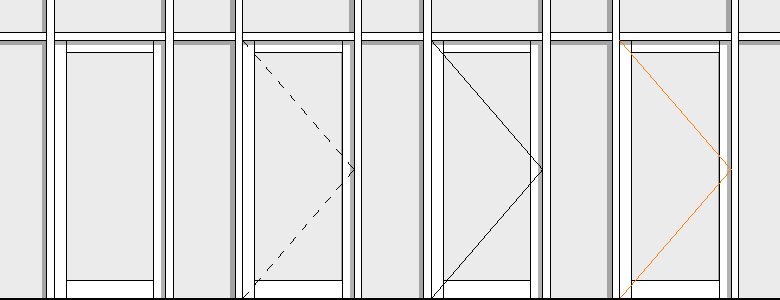
In all types of curtain wall doors the opening line can be shown or hidden. Specify line weights, line colors and line patterns with the Object Styles tool. To override these project-wide settings for a particular view, use the Visibility/Graphics tool.

Change family to another all curtain wall door instances or only one of them from the graphical interface of id:door CW.

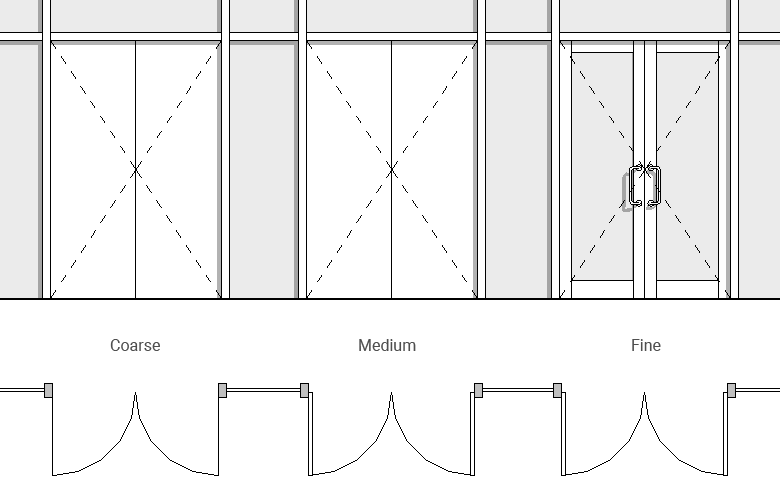
All curtain wall door families have three levels of detail: coarse, medium, and fine. Use a higher detail level as the view scale increases.

Installation / Uninstallation

The installer that ran when you downloaded this app/plug-in from Autodesk App Store will start installing the app/plug-in. Or simply double-click the downloaded installer to install the app/plugin. You may need to restart the Autodesk product to activate the app/plug-in.Uninstall through MS Windows Control Panel/Programs and Features using standard methods.

Trial version

Trial version only has two types of curtain wall doors.

PAID VERSION

id:door + id:window

US$

15

/month

  • +10 Doors Types
  • +10 Window Types
  • +10 Curtain Wall Doors Types
  • Imperial and Metric Units
  • Parametric Frame and Sash
  • Parametric Grids
  • Parametric Sill and Board
  • Parametric Exterior and Interior Trim
  • Set Material to Each Element
  • Set Type Parameters
  • Show or Hide Opening Line
  • Three Levels of Detail

PAID VERSION

id:door + id:window

US$

120

/year

  • +10 Doors Types
  • +10 Window Types
  • +10 Curtain Wall Doors Types
  • Imperial and Metric Units
  • Parametric Frame and Sash
  • Parametric Grids
  • Parametric Sill and Board
  • Parametric Exterior and Interior Trim
  • Set Material to Each Element
  • Set Type Parameters
  • Show or Hide Opening Line
  • Three Levels of Detail

TRIAL VERSION

id:door + id:window

FREE

  • 2 Door Types
  • 2 Window Types
  • 2 Curtain Wall Door Types
  • Imperial and Metric Units
  • Parametric Frame and Sash
  • Parametric Grids
  • Parametric Sill and Board
  • Parametric Exterior and Interior Trim
  • Set Material to Each Element
  • Set Type Parameters
  • Show or Hide Opening Line
  • Three Levels of Detail
  • Trial version only has two types of doors and two types of windows